UFS Explorer products

Data recovery software
for every data loss scenario

UFS Explorer covers the full range of data recovery tasks, from restoring a deleted file on a USB drive to handling complex enterprise storage systems. The software is organized into two product families: the Classic family for common data loss situations and the Professional family for advanced data recovery and forensic work. Whichever product you choose, you can get started with a free trial that has no time limit.

UFS Explorer Classic software family
Classic editions
UFS Explorer Professional software family
Professional editions
Two product families

Classic and Professional software – understanding the difference

Both product families are built on the same proven recovery engine. What sets them apart is the level of technology coverage and their intended audience, not the effectiveness of the recovery algorithms themselves.

Classic product family
Data recovery software
for typical data loss cases
Designed for individual users, computer repair technicians and IT experts. Covers single-disk recovery, NAS and RAID arrays, as well as LAN-based multi-machine workflows. Features a clean interface optimized for common scenarios. Licensed on a perpetual, per-platform basis.
See the Classic family →
Professional product family
Professional-grade software
for specialist and forensic use
Designed for data recovery engineers and digital forensics investigators. Includes support for VMware VMFS datastores, extended decryption capabilities, forensic image formats, a full hex editor and SAN storage recovery, along with enterprise Unix file systems and hardware command tools available in the Technician edition. Provides advanced control through a more complex interface.
See the Professional family →
Not sure where to start?

Find the right product quickly

Data is stored on a single drive, USB stick, SD card or virtual disk
Files were deleted, the storage was formatted, or the file system is inaccessible. No RAID is involved.
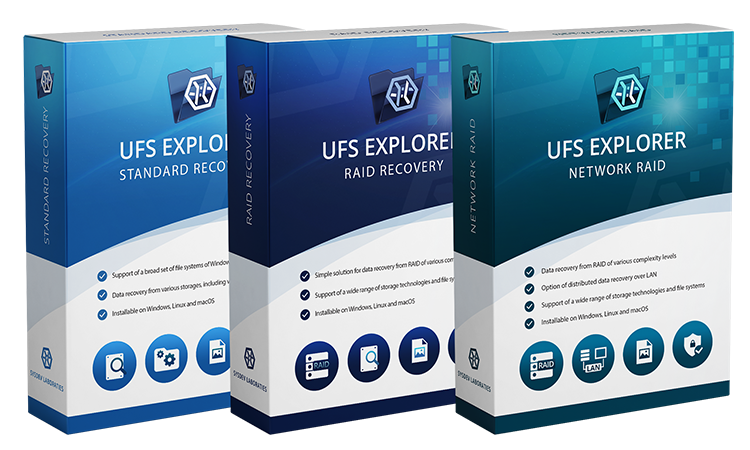
→ UFS Explorer Standard Recovery
The NAS device or RAID array has failed
Data loss on Synology, QNAP, Drobo, Buffalo or similar systems, or on a custom RAID enclosure. All drives can be connected to a single computer.
→ UFS Explorer RAID Recovery
RAID drives are distributed across multiple machines
There are too many drives to connect to a single workstation, or the assembled volume must be accessed from another machine via iSCSI.
→ UFS Explorer Network RAID
Work with VMFS, LUKS, forensic formats or a hex editor
Professional recovery scenarios involving VMware datastores, Linux full-disk encryption, E01/AFF4 images, advanced hex analysis or SAN environments.
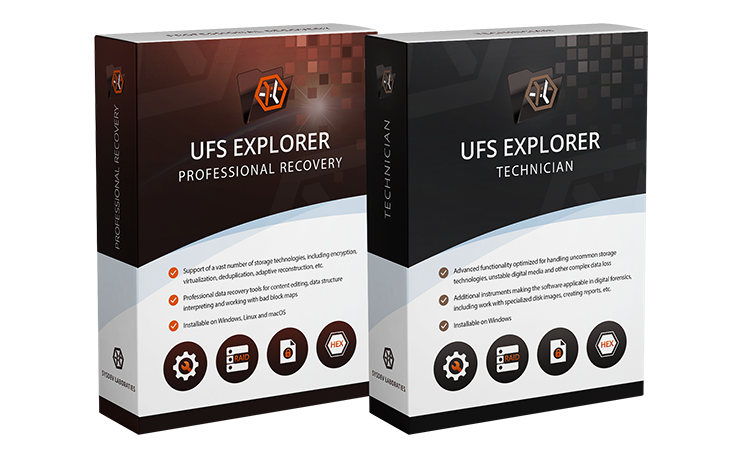
→ UFS Explorer Professional Recovery
Enterprise Unix systems, SAN storage or hardware-level drive operations
Advanced technologies including QNAP QuTS hero, NetApp ONTAP, AIX, HP-UX, Dell/HP/IBM SAN systems, and low-level SCSI/ATA access.
→ UFS Explorer Technician
CCTV surveillance footage recovery
A specialized solution for investigative work involving proprietary DVR/NVR file systems, forensically sound video extraction and reconstruction of dashcam footage.
→ UFS Explorer Video Recovery
Functional differences

Product comparison – key capabilities at a glance

This table shows the most important differences between editions. For the full list of features and technical specifications of each product, please visit the individual product pages.

Classic family – common recovery cases Professional family — specialist workflows
Feature Standard
Recovery
RAID
Recovery
Network
RAID
Professional
Recovery
Technician
Recovery scenarios
Designed for Personal users, IT professionals NAS and RAID recovery RAID distributed across multiple machines Data recovery engineers, forensic investigators Enterprise data recovery and forensic experts
Single-disk recovery: deleted files, formatted drives, RAW partitions
RAID arrays and NAS devices (Synology, QNAP, Drobo, Buffalo, etc.)
Recovery from drives on multiple networked machines (LAN)iSCSIiSCSI
File systems
Common file systems: NTFS, APFS, Ext4, Btrfs, ZFS, XFS, FAT, UFS, JFS, ReiserFS
Linux F2FS
VMware VMFS and VMFS6 datastores
Enterprise Unix file systems (QZFS, WAFL, AIX JFS, VxFS, EAFS/HTFS, NxFS)
Encryption
BitLocker and Apple APFS encryption
LUKS/LUKS2, FileVault 2, VeraCrypt, eCryptFS, WD bridge chip hardware encryption
Data Analysis and disk imaging
Professional disk imager with defect map production (available in the free trial)
Forensic image formats: EnCase E01/AFF4
Hexadecimal viewer
Hex editor with parity calculator, XOR operations and reverse address translation
Enterprise storage
SAN recovery using external data maps
SAN automation plugins (Dell EqualLogic, HP, IBM, etc.)
Raw SCSI/ATA hardware command interface
Licensing and platforms
Operating systems Windows · macOS · Linux Windows · macOS · Linux Windows · Linux Windows · macOS · Linux Windows · Linux
License type Perpetual, per OS Perpetual, per OS Perpetual, per OS Perpetual, all platforms Limited-term
File save limit in free trial 256 KB 768 KB 768 KB 768 KB 768 KB
Starting price (Personal / Commercial license) $69.95 / $139.95 $149.95 / $259.95 $229.95 / $484.95 Not available / $699.95 Not available / $469.95

For a detailed feature-by-feature breakdown within each family, see the Classic product family and the Professional product family comparison pages.

Specialized software edition

UFS Explorer Video Recovery

UFS Explorer Video Recovery
Purpose-built · CCTV and vehicle EDR
CCTV Surveillance video recovery and forensic analysis
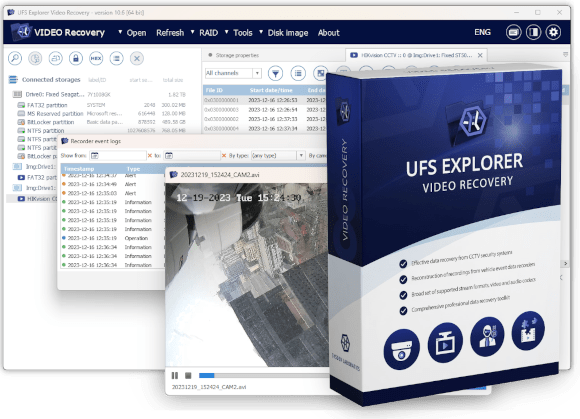
UFS Explorer Video Recovery is a specialized solution for recovering and analyzing video footage from CCTV surveillance systems and vehicle event data recorders (dashcams). Built on top of the UFS Explorer Professional Recovery engine, the software extends its capabilities with dedicated support for more than 130 proprietary CCTV stream formats and CCTV-specific file systems such as Hikvision WFS, Dahua DHFS, Mirage, Pinetron and others. It also provides forensically sound transmuxing to AVI without transcoding, frame-level disk location reporting and extraction of CCTV device event logs. The product is intended for law enforcement agencies, digital forensics investigators and forensic laboratories and is not designed for general data recovery tasks. Commercial and government licensing applies; runs on Windows only.
Learn more about UFS Explorer Video Recovery →
Common questions

Frequently asked questions

What is the difference between the classic and professional software?
The Classic product family – UFS Explorer Standard Recovery, RAID Recovery and Network RAID – is designed for personal users, IT experts and computer repair specialists. It covers single-disk recovery cases, NAS and RAID recovery, as well as LAN-based multi-machine workflows. Licenses are perpetual and issued per operating system. The Professional product family – UFS Explorer Professional Recovery and Technician – is tailored for data recovery engineers and digital forensics investigators. It adds capabilities not included in the Classic family: support for VMware VMFS datastores, extended encryption coverage (LUKS, FileVault 2, VeraCrypt, eCryptFS), forensic image formats (E01/AFF4), a full hex editor, SAN storage recovery, and, in UFS Explorer Technician, support for enterprise Unix file systems, hardware SCSI commands and SAN automation plugins.
Which product should I start with if I need to recover data from a hard drive?
For a single hard drive, USB stick, SD card or virtual disk, choose UFS Explorer Standard Recovery. For a NAS device or RAID array, use UFS Explorer RAID Recovery. All classic editions include a free trial with no time limit, so you can test the software before purchasing.
Do I need professional software to recover data from a RAID array?
No. UFS Explorer RAID Recovery – part of the Classic product family – already supports NAS and RAID recovery, including automatic detection of Synology, QNAP, Drobo, Buffalo and other systems. It also provides a RAID Builder for manual storage assembly and performs adaptive RAID reconstruction using bad-sector maps. The Professional family is required only when additional technologies are involved, such as VMFS, LUKS, forensic image formats, hex-level analysis, SAN automation or enterprise Unix file systems.
Is there a free trial?
Yes, all editions in the Classic and Professional product families include a free trial with no time limit. The trial version enables full scanning, previewing and disk imaging without restrictions. Saving is limited to files up to 256 KB in UFS Explorer Standard Recovery and up to 768 KB in all other editions. A license is required only for saving files above these limits. A trial version of UFS Explorer Video Recovery is available upon request for business and government customers.