
UFS Explorer software products
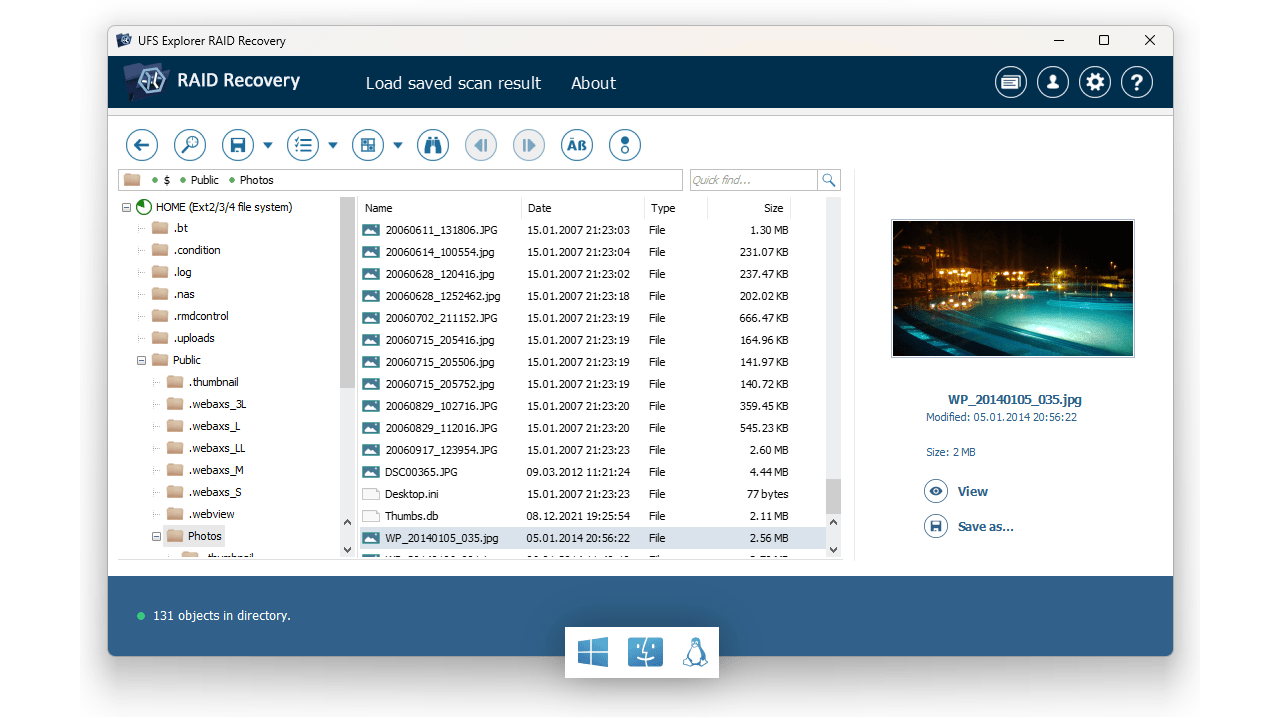
Created by a team of experienced specialists in the field of logical data recovery, UFS Explorer is designed to provide both technical experts and ordinary users with powerful yet easy-to-use software tools for data access and do-it-yourself recovery of lost or deleted files. This family of programs seamlessly combines professional-grade data recovery functionality with a clear and straightforward user interface. Moreover, the products feature extensive capabilities sufficient to cope with data recovery from almost any media, ranging from regular flash cards to home or even corporate-class NAS devices.
Classic UFS Explorer products are presented in three editions: Standard Recovery, RAID Recovery and Network RAID. These editions differ only in their set of additional tools, which affects the price of the software. To learn more about the functional differences between these products, please refer to the comparison table.
Effortless access to your data
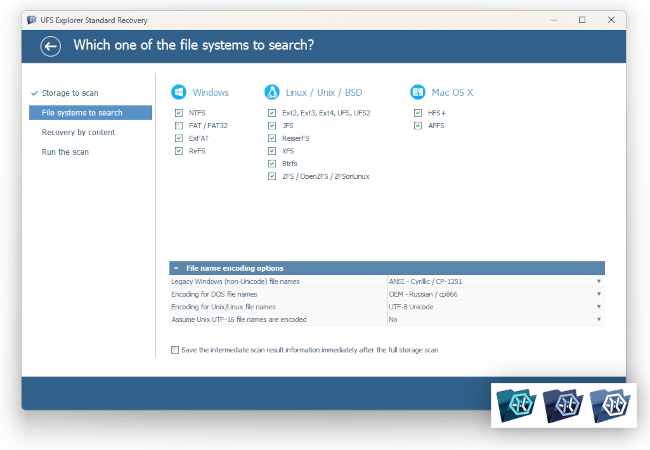
Regardless of the type of storage, UFS Explorer lets you access the data on it in no time, without performing lengthy scans first. If you need to search for lost files or reconstruct data from a damaged volume, the program makes it easy to handle these tasks as well, thanks to the support for a wide range of file systems:
- NTFS
- FAT
- FAT32
- exFAT
- ReFS
- APFS
- HFS+
- Ext3
- Ext4
- XFS
- Btrfs
- ZFS
- UFS
- ReiserFS
The software enables you to perform either a full deep scan to find all possible data or configure the procedure to restore just what is necessary. The latter option optimizes resource usage and reduces hardware requirements.
Professional disk imager
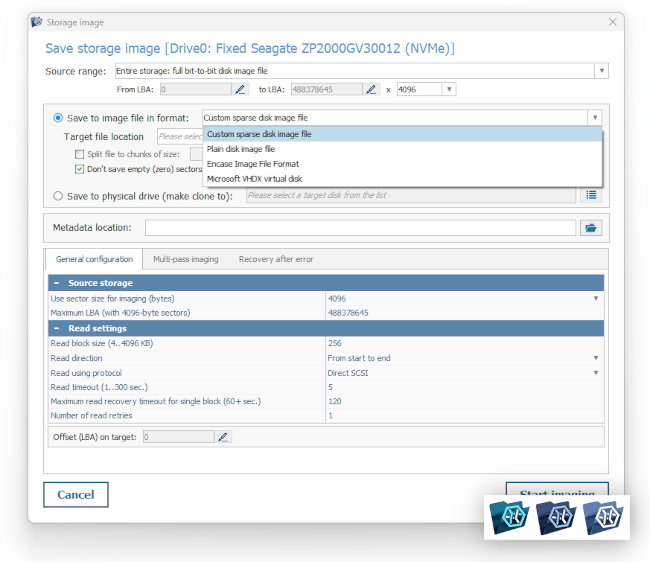
When working with important data, it is essential to safeguard it from damage that may be caused by the activity of the operating system, other programs or even failure of the drive. That’s why all products in the UFS Explorer family come equipped with a professional tool for creating disk images that is fully operational even in the trial (evaluation) version of the program.
The ability to use a professional image creation tool for free lets you protect your critical data even when you are still deciding whether to purchase a license for this particular product.
The program not only avoids altering the data and, when possible, prevents accidental writing to the source disk, but also supports various hardware write blockers to guarantee the integrity of the original information.
In cases when the disk has physical problems, such as defective blocks, reading delays or overheating, the image creation tool equipped with a multi-pass reading algorithm, defect processing capabilities and the ability to re-read problematic sectors will allow you to retrieve the data as accurately as possible even under such challenging circumstances.
Complex (RAID) volumes
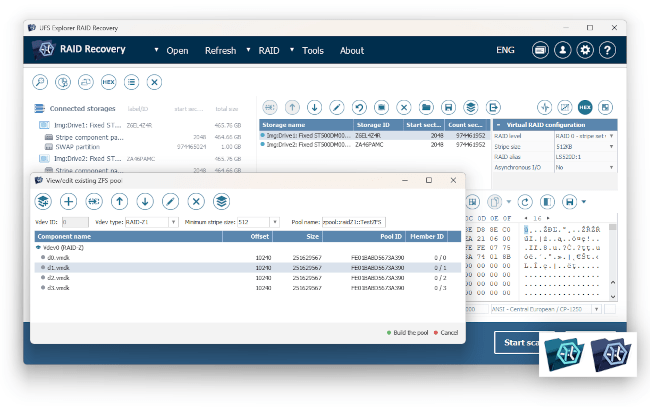
The program supports automatic assembly of RAID volumes across a wide spectrum of metadata formats. This support also covers most popular NAS systems, whether intended for home or enterprise use. However, if for some reason the automatic assembly encounters issues (for example, due to the deletion or corruption of the array), such RAID sets can be assembled manually. Notably, this option is applicable even to ZFS RAID-Z configurations.
- RAID 0 (Stripe)
- RAID 1 (Mirror)
- RAID 1E
- RAID 3
- RAID 5 (Parity)
- RAID 6
- RAID 50
- RAID 60
- RAID 5EE
- RAID-Z
- Span
- BeyondRAID
- Custom RAID
Volume decryption
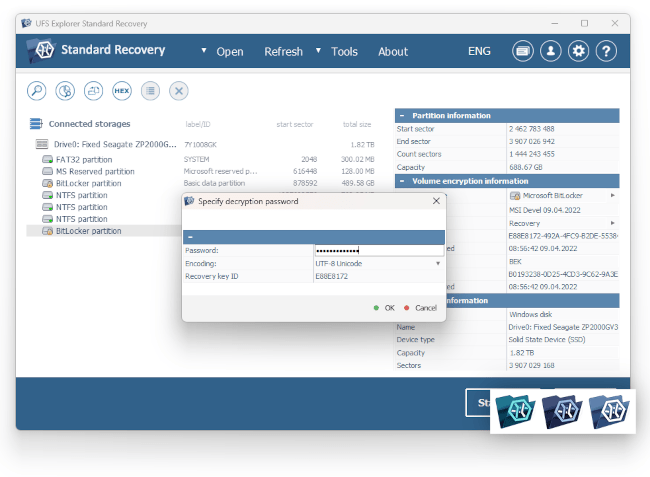
Although the classic editions of UFS Explorer are not specialized in decrypting encrypted volumes, they still offer decryption for the most popular volume encryption methods – BitLocker and Apple APFS encryption.
To decrypt the data, you'll need to provide the encryption password or recovery key. However, it's worth noting that the program cannot recover data encrypted with hardware keys, such as Trusted Platform Module (TPM) or Apple Security chips (T2 and later).
- BitLocker
- BitLocker To Go
- APFS
Data recovery over network
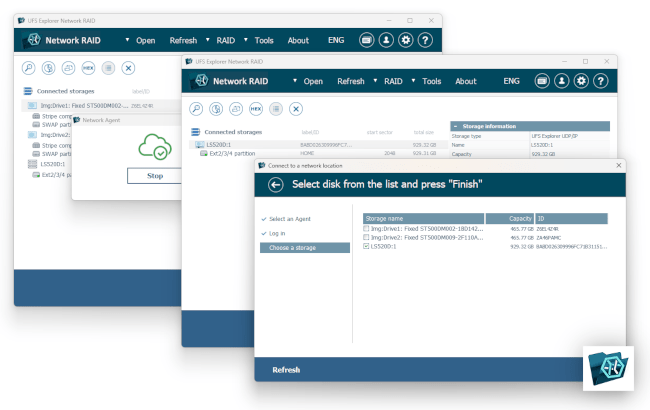
The program allows you to connect to network "agents" established by another instance of the software. This way, you can access the resources of another OS or assemble a RAID configuration from a large number of components that are difficult to connect to a single workstation.
Furthermore, the program supports the DeepSpar DDI product protocol and the standard iSCSI protocol, which enables connection to compatible SAN servers.
Moreover, the software itself can act as an iSCSI server (target) and allows iSCSI clients to use the resources gathered by the program. Thus, it becomes possible, for example, to connect the collected RAID in the system as a virtual SCSI disk.
The iSCSI protocol also provides the ability to exchange data between different instances of the application, as well as to interact with the Professional family of UFS Explorer products.
